Brand
This page covers the core elements of the AppSignal brand: the logo, the brand colour and the typefaces. Use the files below rather than redrawing or recolouring the logo.
An agency owns the brand and marketing guide. This page keeps the logo files and guidelines that the previous design system site published.
Brand colour
The primary brand colour is azure, the --color-azure-500 primitive. Its value is listed on Primitive colours. Use it as the main brand identifier across interfaces and materials.
Typefaces
| typeface | use |
|---|---|
| Source Sans 3 | body text |
| Special Gothic, weight 400 | an accent, used sparingly to add character |
| JetBrains Mono, weight 400 | a secondary accent for contrast or technical character |
These are brand typefaces. The product interface does not load them and uses its own type stack, described in Using type.
Logo
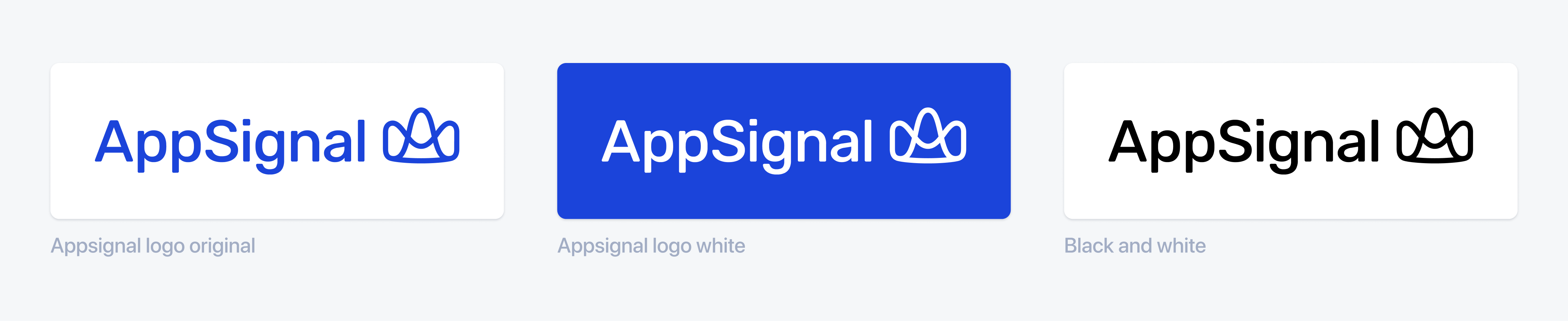
The logo comes in three colours. Use azure on white or light backgrounds, and white on azure or dark backgrounds. The black version is for black-and-white use.
The full logo is the word AppSignal followed by the mark. The icon is the mark on its own.












Prefer the SVG, which scales to any size without losing sharpness. Use the PNG where SVG is not accepted.
Placing the logo
Give the logo space on all sides
Leave clear space around the logo so that nothing crowds it.
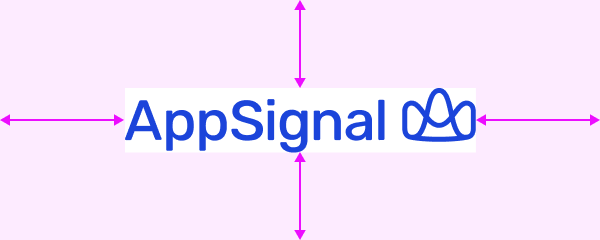
Don't trap the logo in a tight box
A border or container drawn close around the logo crowds it.

Scale the logo proportionally
Change the width and height together, so the logo keeps its shape.
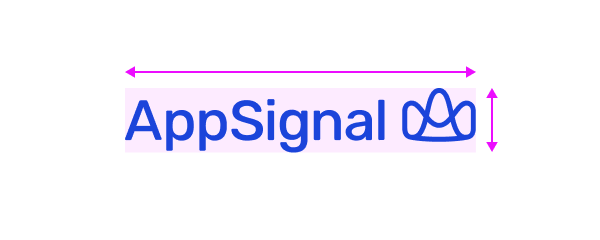
Don't stretch or squash the logo
Changing one dimension without the other distorts the letters and the mark.

Place the logo on a calm background
Use a plain background with strong contrast.

Don't place the logo on a busy image
A detailed photograph competes with the logo and weakens its contrast.